How Coming to SPRAYD Works
24/7 Access
It is Self Serve but our website and app has everything you need to have an frictionless experience.
Thoughtfully crafted to elevate your customer experience.
-
✨ TAN PREPARATION
🪒 Shaving & Waxing
• Shave at least 24 hours before your appointment.
• Wax at least 48 hours before your appointment.
• This helps remove oily residue from the skin.
• It also gives your skin time to calm and settle.✨ Exfoliating
• Exfoliate 12–24 hours before your appointment.
• 24 hours before is preferred, with the night before also being ideal.
• Exfoliating removes dead skin cells and creates a clean, smooth canvas for your tan.
• It also allows your pores time to settle before tanning.🚫 What should I avoid before tanning?
• Do not wear deodorant before your session.
• Do not wear makeup before your session.
• Do not apply moisturiser before your session.
• Do not wear perfume before your session.
• Avoid sports deodorants for 24 hours before tanning.
• These products can create a barrier on the skin and affect your tan.👗 What should I wear?
• Choose loose clothing after your tan.
• Loose clothing allows good airflow around your skin and reduces pressure and rubbing while your tan develops.
• Avoid tight clothing such as tights immediately after tanning.
• Black clothing is often preferred when using a bronzed solution, as it helps minimise visible bronzer transfer.
• Using a clear tanner? You can wear any colour. -
✨ TAN AFTER CARE
🚿 While Your Tan Is Developing
• Keep your skin completely dry while your tan develops.
• Avoid showering, swimming, sweating, exercise and getting caught in the rain.
• Do not apply soap, body wash, moisturiser, lotion, oils, perfume or other skincare products while your solution is developing.
• Other product ingredients can interfere with the tanning solution and impact your final colour and how evenly your tan develops.
• Keep your skin product-free and let your SPRAYD tan do its thing. ✨🧼 Your First 30 Minutes
• Wash your hands within 30 minutes of finishing your tan.
• Rinse your hands thoroughly with water to remove any excess solution from your palms.
• Wash your face within 30 minutes if you have solution on your face.
• Be gentle and avoid scrubbing or exfoliating.
• Once this is done, allow the rest of your tan to continue developing as instructed.🚿 Your First Shower
• Shower once your recommended development time is complete.
• Use lukewarm water rather than hot water.
• Allow the bronzer to rinse away gently — this is completely normal.
• During your first shower, avoid soap, body wash, scrubs, exfoliants and shower oils.
• Gently rinse with your hands until the water runs clear.
• Pat your skin dry with a towel rather than rubbing.🧴 Keeping Your Tan
• Once you have completed your first shower, moisturise daily.
• Choose a gentle, nourishing moisturiser to keep your skin hydrated.
• Well-hydrated skin helps your tan fade evenly and last longer.
• Avoid harsh exfoliants and scrubs while you want to maintain your tan.
• Chlorine, salt water, hot baths and excessive sweating can cause your tan to fade faster.✨ Want Your Tan To Last?
• Moisturise every day.
• Keep showers shorter and avoid very hot water.
• Be gentle with your skin — no aggressive scrubbing.
• Stay hydrated. 💧
• With great preparation and aftercare, your tan can last 7 days or longer.

WHEN YOU ARRIVE AT THE STUDIO:
Check-in AND Open the Main Door:To access the studio you must have a paid session and a booking. Once at the front door of your studio with your SPRAYD app open, the Unlock Door option will appear. Press Unlock door and then push on the door (Mermaid Beach the door will auto open) to enter the studio.
Prepare for Tan Booth:Remove clothing & jewellery, put on hair cap & apply barrier cream. Don’t forget to put them altogether so you don’t leave anything behind.

Start Booth:• It is three simple and gentle touches on the booth screen. When you press the screen, just wait for 1-2 seconds and the screen will change.
Press Favourite Session on the booth screen. Wait.
For example, Mocha Medium = Code 9. 🤎 (It is the number from the Tan Menu which is in the Tan Room but also in your app Feed) Wait.
Press “Activate Session” at the top of the screen and the booth will begin! Wait.
(Do not press Create New Session -Pressing Create New Session can cause the screen to freeze)
It’s Tan Time:
Enter the booth, stand tall, press the green flashing button to begin. Follow the voice prompts to guide you through the below 4 easy poses.

After: Use the wipes to wipe the palms of your hands and fingernailse. Use the blending sponge to move the solution around on your wrist, in between your fingers etc to blend the tan nicely.
Didn’t have time to prep?
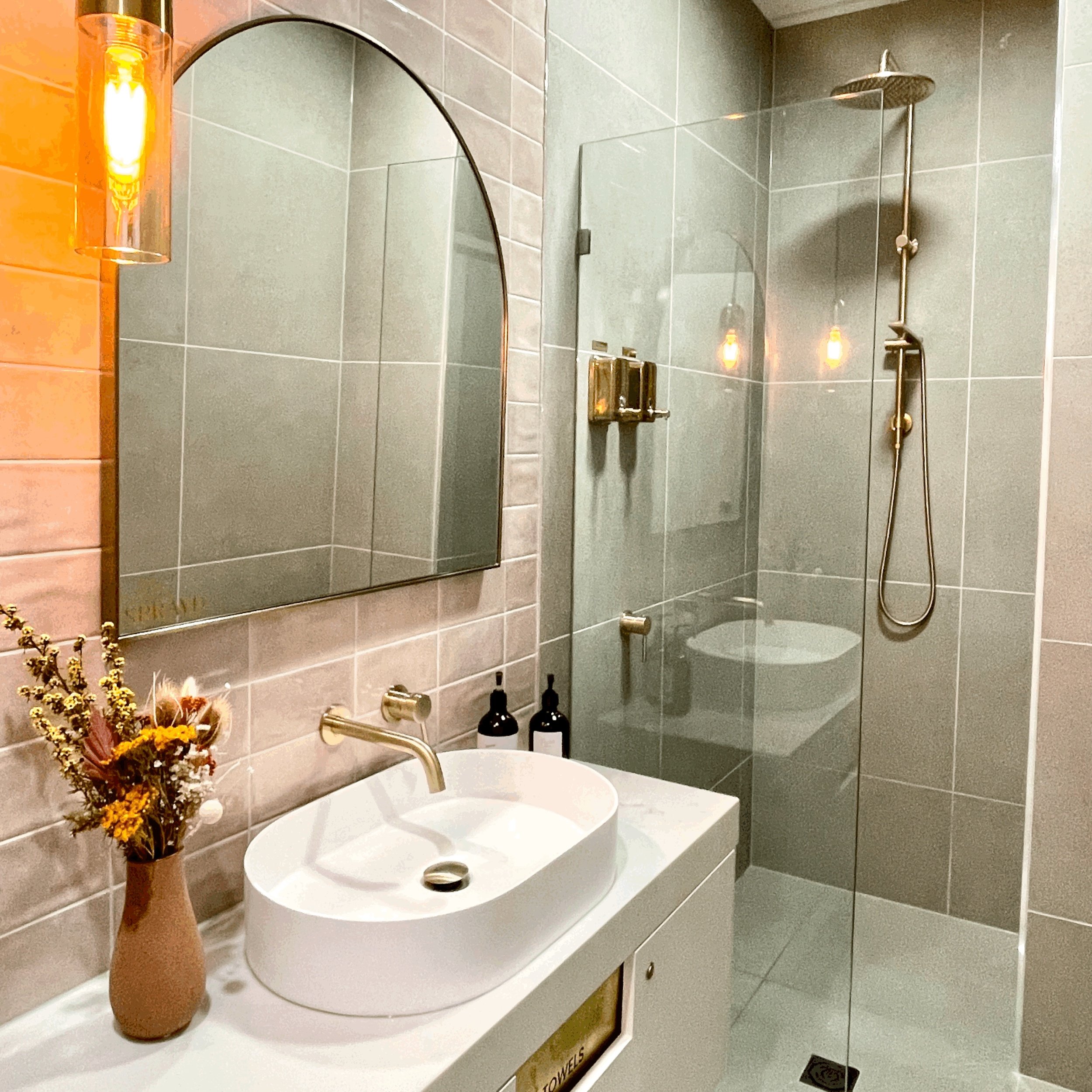
Our private shower and exfoliation room is conveniently available for use prior to tanning.
✔︎ Organic and botanically derived ingredients
✔︎ Tan exfoliant and body wash provided
✔︎ Please bring your own exfoliation mit & towel